One platform for the whole order-to-cash journey.
From the moment an order is placed to the moment the payment is applied, Kuhlekt connects orders, onboarding, invoice distribution, collections, the customer portal, disputes, cash application and Kali AI into a single configurable flow that fits SMBs and global enterprises alike.
Orders
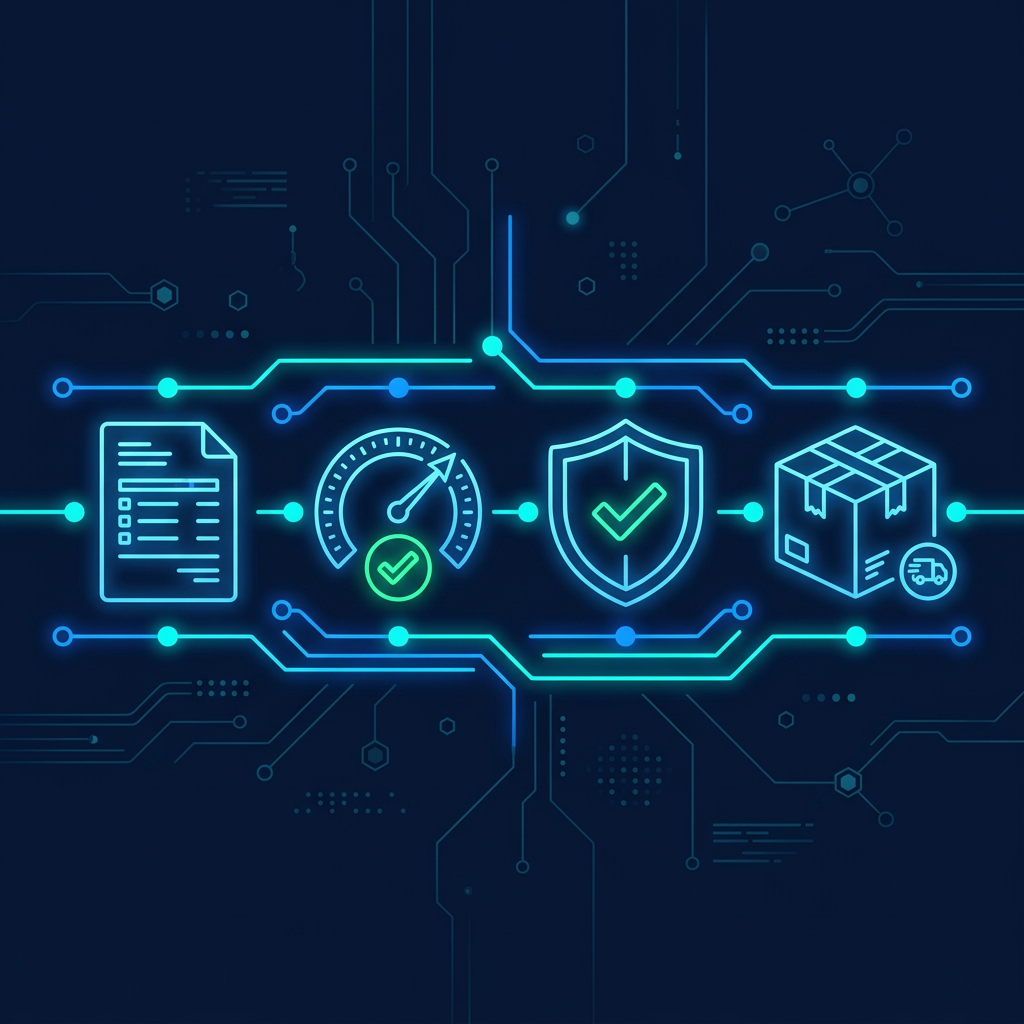
Credit approval on every order, automatically.
Configure the credit rules that matter to you and apply them to every order as it arrives. Orders within limit and terms are released straight away, and only the exceptions go to the person with the authority to decide, so sales keeps moving and finance keeps control.
- Configurable credit approval rules for every order
- Automatic check against limit, terms and overdue balances
- Orders within policy released without manual review
- Exceptions routed to the right approver
- Order holds and releases synced with your ERP
- Full audit trail on every decision
- Credit checks
- Every order
- In-policy orders
- Auto-released
- Exceptions
- Routed to owner

Onboarding
Open accounts in minutes, not weeks.
Develop, design and deploy your own credit application. Customers apply online, references and identity checks run automatically, and approvals follow the credit policy you configure, so new accounts start trading sooner and with the right limits.
- Design and deploy your own branded credit application
- Automated trade and bank reference requests
- Director and ABN/company identity checks
- Configurable approval workflows and limits
- Terms of trade and personal guarantee e-signing
- Instant ERP customer record creation
- Application to approval
- Same day
- Manual data entry
- Eliminated
- Fits
- SMB to Global

Invoice Distribution
Every invoice delivered, every channel covered.
Design your invoice, fill it with your data and deliver it to your clients. Pull invoices straight from your ERP and send them the way each customer wants to receive them: email, SMS, e-invoicing networks or a self-service portal. Delivery, opens and downloads are tracked, so a disputed "we never got it" becomes a thing of the past.
- Multi-channel delivery: email, SMS, portal, e-invoicing
- Statements, credit notes and reminders in one send
- Delivery and open tracking on every document
- Customer portal with pay-now and download
- Multi-entity and multi-currency templates
- Works with every major ERP
- Delivery visibility
- 100%
- Channels
- Any
- Setup
- Days
Collections
Stop chasing. Start collecting.
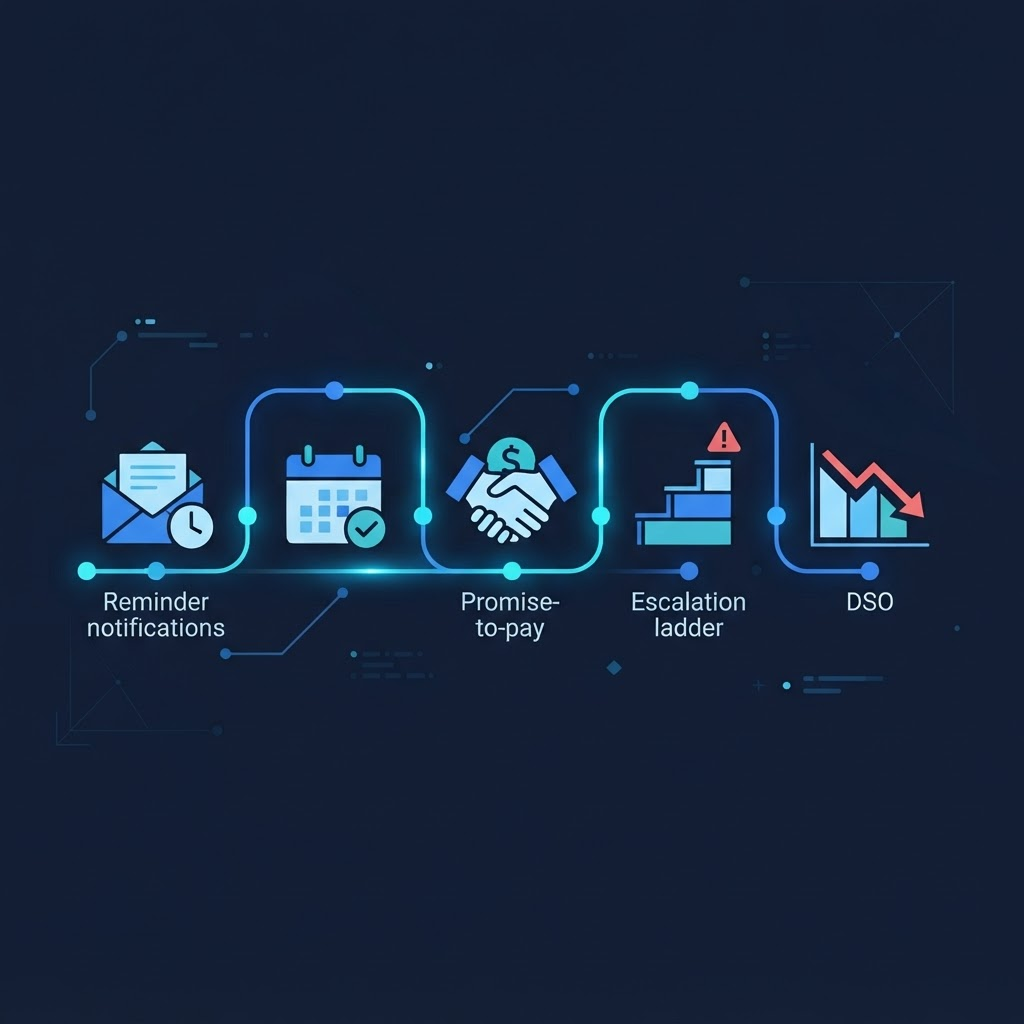
Automated, policy-driven collection strategies segment customers by risk and value, send the right message at the right time, and escalate only when it matters. Your team works a prioritised worklist of the accounts that need a human, while everything else runs itself.
- Risk-based collection strategies and cadences
- Prioritised collector worklists
- Promise-to-pay tracking and broken-promise follow-up
- Call, email and SMS logged against the account
- Disputed items left out of dunning
- Escalation to legal or agency with full history
- DSO
- Reduced
- Collector focus
- Exceptions only
- Manual chasing
- Eliminated
Customer Portal
Self-service that makes it easy to get paid.
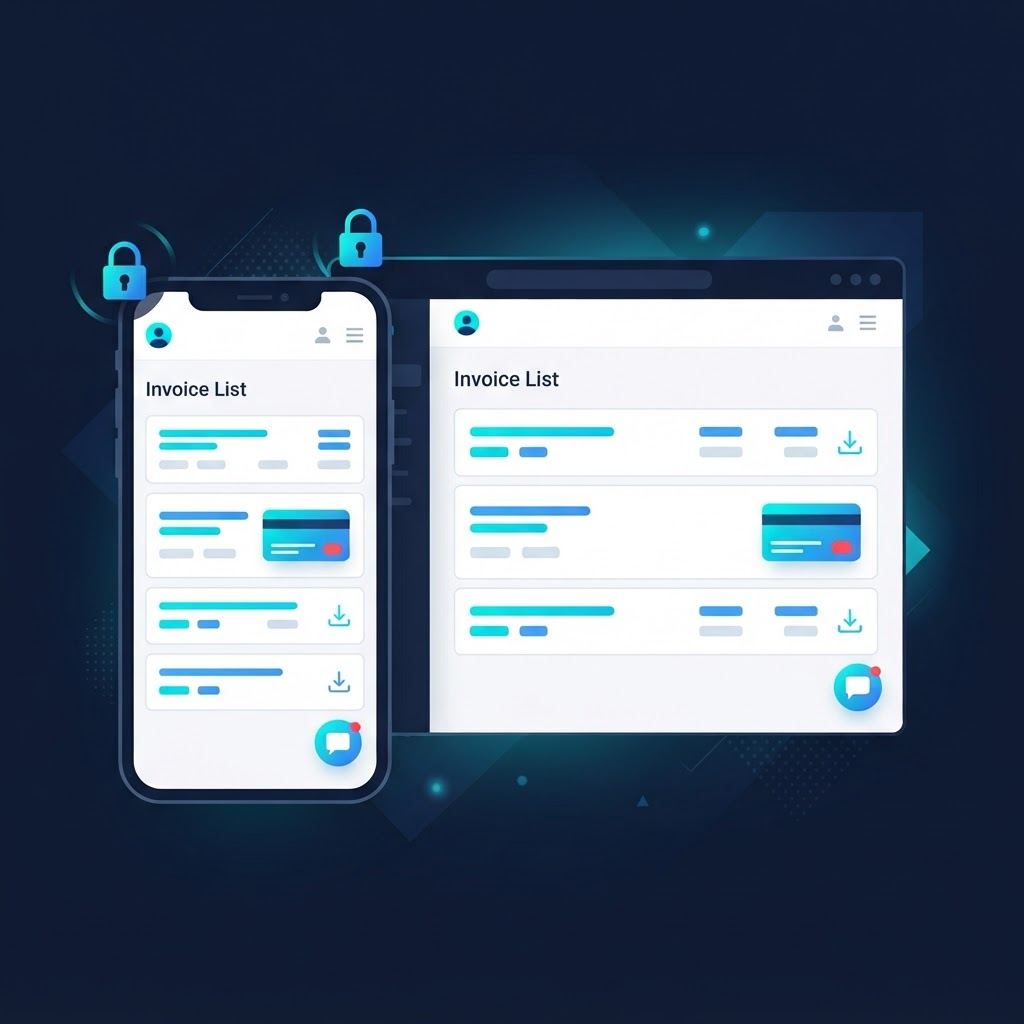
Give customers a branded, secure portal where they can see every invoice, statement and credit note, pay by card or bank, download documents, raise disputes and update their details, at any hour, on any device. Fewer inbound calls for your team, faster answers for theirs.
- Branded customer portal, mobile-first
- Pay now by card, direct debit or bank transfer
- Invoices, statements and credit notes on demand
- Raise and track disputes online
- Self-service contact and PO updates
- Secure login with multi-entity access
- Availability
- 24/7
- Inbound queries
- Reduced
- Payments
- Faster
Disputes
Every dispute has a resolution.
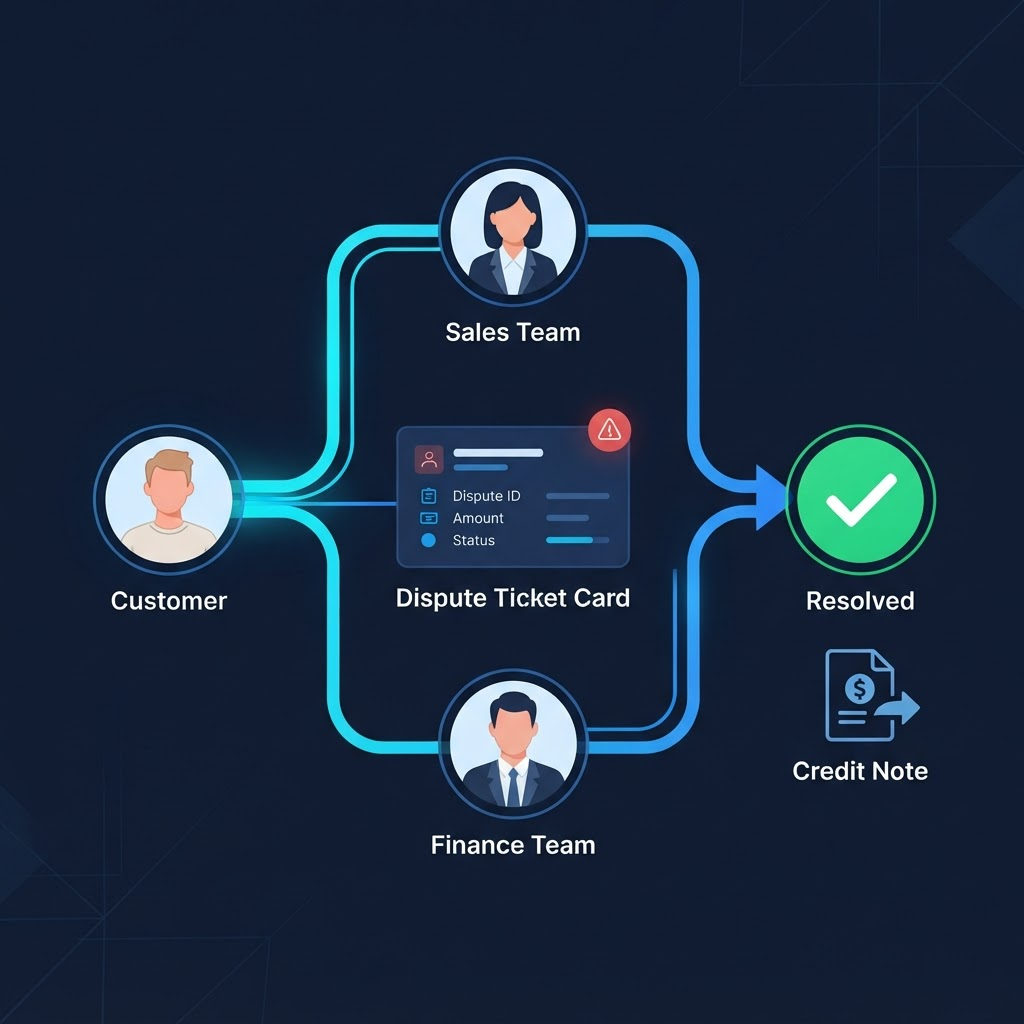
Capture disputes the moment they are raised, from any channel, and route them to the person who can actually resolve them. Reason codes, owners, due dates and SLAs keep sales, operations and finance accountable. The disputed amount can be taken out of dunning at once, while the undisputed balance keeps moving through collections.
- Dispute capture from portal, email, phone or collector
- Reason codes and root-cause reporting
- Routing to owners with SLAs and reminders
- Partial disputes keep the balance collectable
- The Delegation of Authority (DOA) who has the limit approves a credit note
- Full audit trail on every resolution
- Time to resolve
- Days, not months
- Ownership
- Always clear
- Undisputed cash
- Keeps flowing
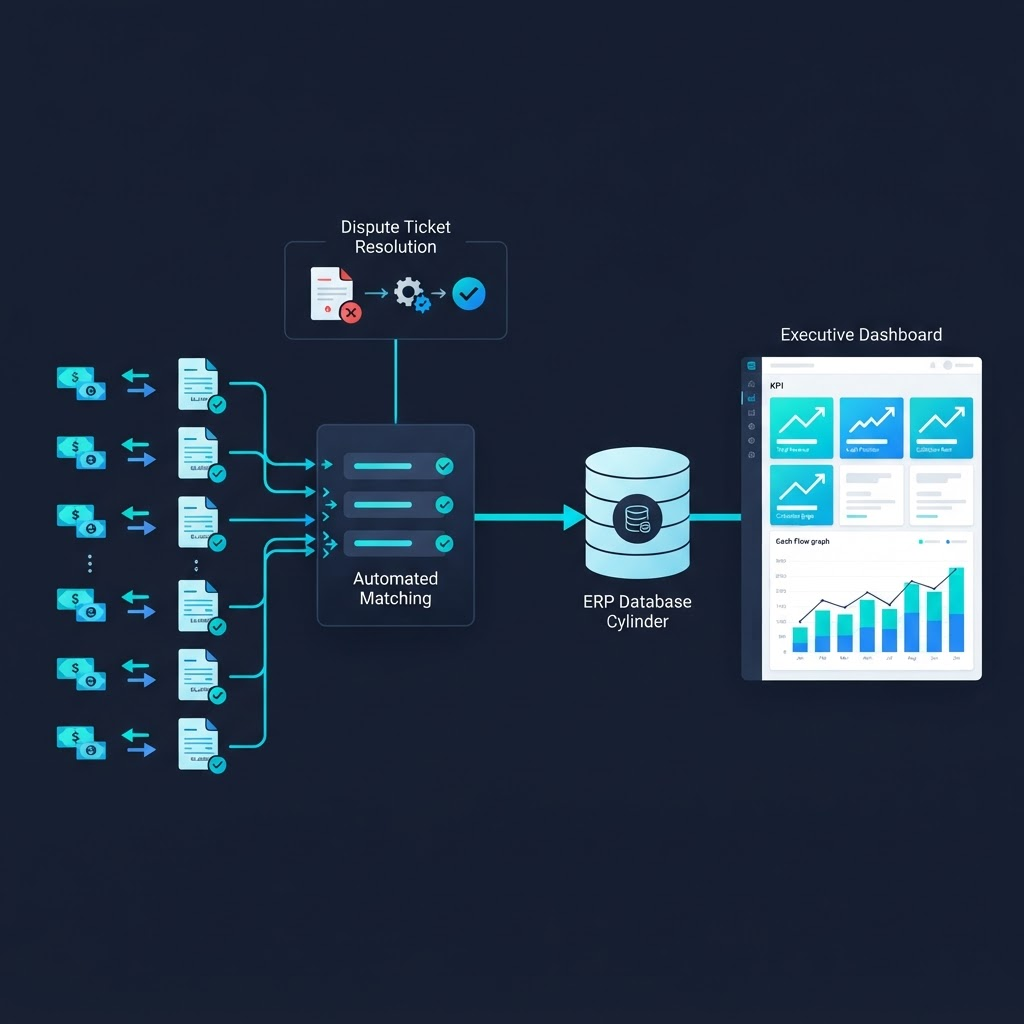
Cash Application
Your ERP records transactions. Kuhlekt collects the cash.
Close the loop with automated cash application and reconciliation. Payments are matched to invoices as they land and posted back to your ERP, short-pays and deductions are routed for review, and executives see cash, ageing and risk in real time across every entity and currency.
- Automated cash application from bank files
- Short-pay, deduction and unapplied cash handling
- Two-way ERP sync, no rip-and-replace
- Executive dashboards and ageing analysis
- Write your own reports with Query Writer
- Audit trail on every transaction
- Cash application
- Automated
- Visibility
- Real time
- ERPs
- Every major
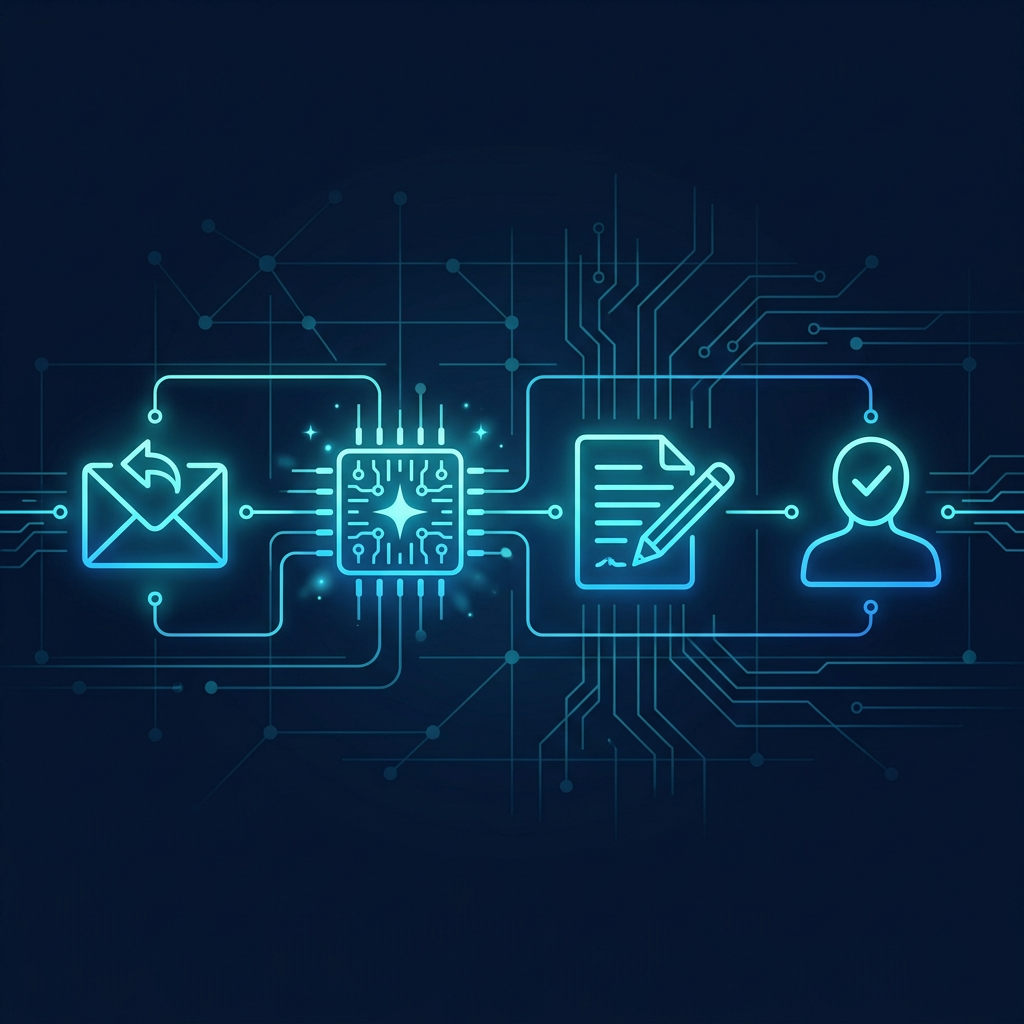
Kali AI
An AI assistant that proposes. Your team decides.
Kali reads customer replies, matches them to the right account and drafts the next step, such as logging a promise to pay and preparing the acknowledgement. Kali drafts or proposes and never acts alone: your team approves or dismisses every proposal.
- Reads customer replies and matches them to the account
- Logs promises to pay and drafts acknowledgements
- Proposes actions on accounts that need attention
- Every proposal approved or dismissed by a person
- Works inside your collections and dispute workflows
- Full history of what was proposed and decided
- Replies handled
- Drafted for you
- Decisions
- Stay with people
- Admin time
- Reduced
Why Choose Kuhlekt?
Scalable Architecture
Built to grow with your business, from startup to enterprise scale with cloud-native infrastructure.
Industry Expertise
Deep understanding of B2B finance processes with solutions tailored to your industry needs.
Proven Results
Up to 35% reduction in DSO within 90 days, with measurable improvements in cash flow.
See how this is measuredOrder-to-Cash FAQs
How Kuhlekt handles orders, onboarding, collections, disputes and cash application across the order-to-cash cycle.
What is invoice-to-cash automation?
Invoice-to-cash (I2C) automation connects every step between issuing an invoice and reconciling the payment: customer onboarding and credit approval, invoice distribution, collections follow-up, dispute resolution, customer self-service and cash application. Kuhlekt delivers all of these stages in one configurable platform.
Does Kuhlekt handle customer onboarding and credit applications?
Yes. Kuhlekt provides online credit application forms with configurable approval workflows, trade reference and identity checks, and credit limit management, so new customers are onboarded consistently and in line with your credit policy.
How does automated collections work in Kuhlekt?
You define dunning sequences by customer segment, risk or ageing bucket. Kuhlekt then sends reminders and statements by email, SMS or letter at the right time, escalates accounts that do not respond, and gives collectors a prioritised work queue with full contact history.
Can Kuhlekt manage disputes and deductions?
Yes. Disputed invoices are logged with a reason code, routed to the right approver and tracked to resolution, so they are excluded from dunning while open and visible in reporting rather than lost in email threads.
Is Kuhlekt suitable for both SMBs and large enterprises?
Yes. The same platform supports single-entity SMBs through to multi-entity, multi-currency global groups. Plans scale from Bronze for smaller teams to Platinum with custom enterprise pricing.
Which regions does Kuhlekt operate in?
Kuhlekt is headquartered in Australia (ABN 44 608 435 972) and serves B2B businesses in Australia, New Zealand, the United States and other English-speaking markets, with multi-currency support for international receivables.
Last updated by Kuhlekt